
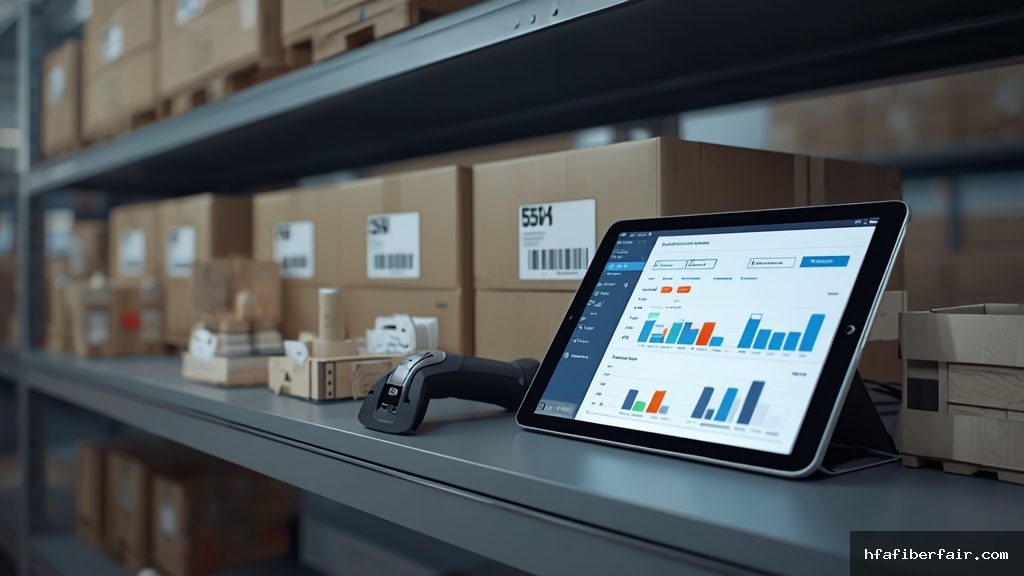
Top Automated Inventory Management Strategies for Small Businesses
1. Utilize Cloud-Based Inventory Management Software
Cloud-based inventory management systems offer small businesses real-time data access and integration capabilities across various devices. Automating inventory tracking with cloud solutions ensures that business owners can monitor stock levels, sales, and order statuses from anywhere. Systems like TradeGecko and Zoho Inventory provide features such as order management, bookkeeping, and analytics, making them valuable for streamlining processes.
2. Implement Barcode and RFID Technology
Barcode scanning and RFID (Radio Frequency Identification) technology simplify the inventory tracking process by allowing automatic data capture. When products are scanned during receipt or sale, the inventory levels are adjusted automatically in the system. This reduces human error and saves time. Solutions like Teraoka and Zebra offer hardware and software that small businesses can integrate seamlessly into their operations.
3. Automate Reordering Processes
Automating reordering processes can prevent stockouts and overstock situations. Setting minimum and maximum thresholds for inventory levels can trigger automatic reordering once stock dips below a specified level. Software platforms such as Cin7 and Fishbowl Inventory offer customizable reorder points based on sales trends, allowing businesses to maintain optimal stock levels without manual intervention.
4. Leverage Artificial Intelligence and Machine Learning
Harnessing AI and machine learning can significantly enhance inventory management. These technologies analyze vast amounts of sales data, predict future trends, and suggest optimal stock levels. Tools like IBM Watson Supply Chain and Oracle’s AI solutions provide predictive analytics that allows small businesses to forecast demand, optimize stock levels, and make well-informed purchasing decisions.
5. Integrate E-commerce Platforms
For small businesses operating online, integrating inventory management systems directly with e-commerce platforms is crucial. This integration ensures that stock levels are accurately reflected in real-time on all sales channels. Platforms like Shopify and WooCommerce offer plugins and integrations with inventory management tools that automate stock level updates, order processing, and fulfillment tracking.
6. Use Inventory Forecasting Tools
Employing inventory forecasting tools can significantly improve your ability to predict demand and optimize your inventory levels accordingly. These tools utilize historical data to help businesses forecast future sales and seasonal trends. Solutions like Forecast.ly and Vend assist in analyzing past sales patterns, enabling small business owners to make informed inventory decisions.
7. Optimize Inventory Layout and Organization
While automation is key, a well-organized inventory layout supports efficiency in order fulfillment. Implementing the ABC inventory analysis method categorizes products into three segments based on their importance. Automating storage recommendations can streamline retrieval processes and minimize handling times, thus enhancing overall operational efficiency. Inventory management systems can provide analytics on the best layout practices based on item movement.
8. Real-Time Inventory Tracking and Reporting
Implementing real-time inventory tracking ensures businesses know their stock levels at any given moment. Systems that provide live dashboards and reports enable owners to monitor changes instantly. This transparency into inventory draws attention to fast-moving items and displays trends over time, enhancing decision-making processes. Solutions such as Square for Retail and QuickBooks provide comprehensive dashboards and reporting features.
9. Automate Inventory Audits
Regular inventory audits help maintain accuracy in stock levels. Automating this process through cycle counting or perpetual inventory methods allows businesses to check stock without halting operations. Many inventory management software solutions provide built-in audit features to automate counting schedules and notifications for discrepancies, making inventory management less labor-intensive.
10. Manage Supplier Relationships Through Automation
Automating supplier management fosters better relations by streamlining purchase orders, tracking delivery timelines, and automating payment processes. This ensures that businesses can quickly identify reliable suppliers and optimize the procurement process. Tools like SupplierSoft facilitate communication with suppliers, thereby enhancing the ordering process and inventory flow.
11. Employ Multiple Sales Channels with Integrated Inventory Management
Utilizing multiple sales channels can diversify revenue streams, but it requires integrated inventory management to avoid overselling. By employing software that synchronizes inventory among various sales platforms, such as Amazon, eBay, and local marketplaces, small businesses can ensure their inventory is up to date across all channels. Solutions like Sellbrite and ChannelAdvisor automatically synchronize inventory across platforms.
12. Use Mobile Inventory Management Applications
Mobile inventory management applications make it convenient for small businesses to track and manage inventory on-the-go. These mobile apps provide functionalities such as scanning barcodes, checking inventory levels, managing orders, and receiving alerts. Implementing mobile solutions like Asset Panda or Stockpile allows users to retrieve crucial data, facilitating quick decision-making and improved responsiveness.
13. Monitor Key Performance Indicators (KPIs)
Tracking KPIs related to inventory management can reveal insights into business performance. Metrics such as inventory turnover, days sales of inventory (DSI), and gross margin return on investment (GMROI) should be monitored regularly. Automating these metrics within inventory management systems simplifies reporting and keeps business owners informed about their operational efficiency.
14. Select the Right Inventory Management System
Choosing an inventory management system that fits the specific needs of your business model is crucial. Factors to consider include integration capabilities with other software, user-friendliness, customer support, and scalability options. Exploring platforms like Skubana and Brightpearl can help you identify which system aligns best with your operational requirements.
15. Train Employees on Automated Systems
Even with automated inventory systems, employee training is critical to ensure maximum efficiency. Staff should understand how to utilize the systems fully, including how to manage and analyze inventory data. Training sessions and continuous support can enhance usability, driving better adoption of automation tools and systems.
16. Assess and Optimize Costs
Automation can save time and reduce labor costs, but it is essential to assess overall operational costs regularly. Software solutions that provide cost-analysis features help small businesses keep their expenditures in check. Analyzing costs associated with suppliers, storage, and shipping enables better budget management and smarter decision-making.
By implementing these automated inventory management strategies, small businesses can effectively streamline their operations, reduce manual errors, and ultimately improve their bottom line. Engaging with technology tailored to meet unique business needs not only aids in scalability but fosters a more efficient response to market changes, ensuring future growth.